

SEO impressions measure how often a link to your website appears in search under the search engine's counting rules. In Google Search Console, an impression does not prove that someone consciously read your result, and it does not mean they visited your blog.
However, impressions without clicks are a reason to investigate. This guide explains the metrics, shows how to review one page, and helps you choose an improvement based on evidence.
What Are SEO Impressions?
Imagine someone searches for “AI blog writing workflow,” and a link to your article appears among the results. That appearance can count as an impression without a click.
Google's rules vary by result format. Standard results on the current results page can count without being scrolled into view. Items inside scrolling carousels or expandable sections generally need to become visible within those elements. See Google's impression-counting explanation.
Therefore, treat the number as a visibility signal. However, it cannot tell you whether a reader noticed the headline, trusted the source, or found the answer elsewhere.
For a blogger, the useful question is whether the searches behind that visibility match the audience the page was written to help.
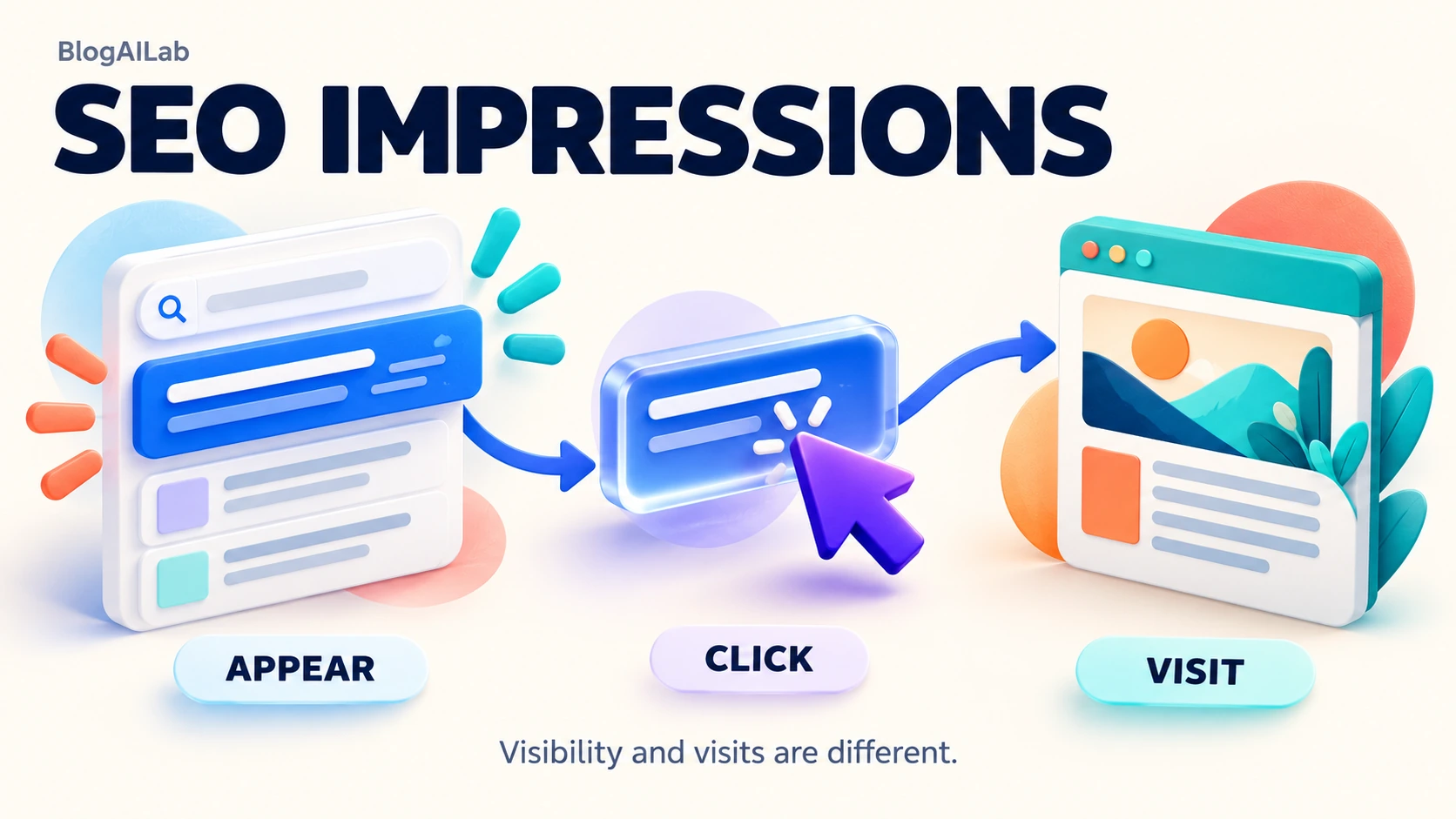
SEO Impressions vs Clicks, CTR, and Average Position
First, these metrics answer different questions:
| Metric | Meaning | Limitation |
|---|---|---|
| Impressions | Counted appearances in search | Do not represent visits or unique readers |
| Clicks | Counted interactions taking users from search to your site | Do not equal analytics sessions |
| CTR | Clicks divided by impressions, expressed as a percentage | Needs query and position context |
| Average position | Average position of the topmost result for the selected grouping | Does not represent one fixed ranking |
| Analytics sessions | Periods of interaction with a website or app | Use a different measurement system |
CTR = clicks ÷ impressions × 100
Hypothetical example: 1,000 impressions and 20 clicks produce 2% CTR. However, that percentage alone cannot establish whether performance is good or poor.
Google documents Search Console metrics separately from Analytics sessions. In contrast, a session describes activity on the site; a search impression describes visibility before a visit.
How to Check SEO Impressions in Google Search Console
Open the relevant property and its Performance / Search results report. Enable clicks, impressions, CTR, and average position.
First, choose the search type deliberately. Google's current report guide distinguishes Web text-based, Web multimodal, Image, Video, and News. For a conventional blog search review, start with Web text-based and retain that setting throughout the comparison.
Then, choose a date range with enough activity to inspect. Two completed 28-day periods can be a manageable starting example, but a quiet blog may need longer. Avoid using today's partial activity as a complete comparison period.
Next, open Pages, select the article, then switch to Queries. Clicking a table row adds a filter; + Add filter also lets you narrow the report. Use the date filter's comparison options to compare equivalent periods. Google's filtering guide explains these controls.
Next, inspect devices and countries where useful. Change one dimension at a time and keep a note of active settings.
However, the query table is not a complete search log: some queries are anonymized, and filtering can affect totals. Google's data-grouping documentation explains the limitations. Do not assume missing rows mean missing search activity.
Why Your Blog Gets SEO Impressions but Few Clicks
A low CTR is an observation. The following possibilities need different checks before you decide what to edit.
Your average position hides weaker query rankings
A page-wide average can make several very different searches look like one performance pattern. For example, a relevant query receiving regular impressions may need attention even when another query already brings clicks.
First, inspect the page's query rows individually. For example, which searches account for most impressions? Which have clicks? Also, does the pattern continue in a second comparable period?
Therefore, avoid rewriting a useful page solely because its headline total looks disappointing. Find the query group responsible first.
Your page does not closely match the search intent
However, a query can mention your topic while asking for something your page does not provide.
For example, “AI writing tool pricing” calls for cost information. A broad article about drafting blog posts may mention the tool but leave that question unanswered.
First, read the query as a request. Then inspect the page's opening answer, headings, and examples. Review current results to see whether searchers are being served tutorials, comparisons, product pages, or definitions.
Therefore, if the request fits your audience, address it properly. If it falls outside the page's purpose, forcing it into the article may make the content less focused.
Your title or snippet does not explain the page's value
A vague title gives readers little reason to choose the result. “Helpful Blogging Tips” is less specific than “How to Plan a Blog Post From Search Console Queries”—provided the page actually teaches that workflow.
Next, review the displayed result as well as your saved metadata. Google's title-link guidance recommends descriptive titles and explains that Google generates title links from multiple sources.
Google also creates snippets from page content and sometimes meta descriptions. However, a metadata edit cannot guarantee the wording displayed or a CTR increase.
Therefore, check whether the promise is accurate and useful. Avoid adding “tested,” “free,” or “best” unless the article supports it.
Search-result features may reduce clicks
A searcher may find a short answer directly in the results, or choose a competing result with a more appealing presentation.
Google's query-analysis guide identifies rich results and information already answered in search as possible explanations for low CTR.
Next, inspect representative queries on the device relevant to your audience. Note the query, date, country context, and visible result features. However, a manual check is a sample, not proof of what every searcher saw.
Do not conclude that a particular feature caused your lost clicks from the site-wide chart alone.
Your totals combine different queries, devices, or countries
Suppose visibility expands to searches outside your intended audience. As a result, the new impressions may change the overall CTR even if your most relevant queries perform similarly.
First, separate relevant and unrelated queries. Compare device and country segments before making a site-wide conclusion.
Google's bubble-chart guide treats these differences as useful analytical signals. For a small blog, a short worksheet can serve the same practical purpose: identify where the pattern occurs and what needs checking.
How to Use SEO Impressions to Improve Your Blog
Next, use this sequence to move from a number to a specific editorial decision.
- Compare equivalent periods with the same settings. Record the property, search type, dates, page, and any other filters. Equal-length periods are useful. However, consider holidays, seasonality, and unusual publishing activity.
- Select a relevant page and inspect its queries. Start with an article connected to your blog's purpose. Next, group similar queries by the question they ask, rather than treating every phrase as a separate article opportunity.
- Identify regular impressions and realistic opportunities. Positions around 8–20 can be a review starting point. This is an editorial heuristic, not a Google threshold or ranking guarantee. Relevance, recurring activity, and the size of the content gap matter more than the position band alone.
- Compare the answer and structure with intent. Write the reader's question in one sentence. Can the opening answer it? Also, do the headings lead to useful detail? Identify a specific missing explanation, example, or comparison.
Apply and Review Your Content Improvements
- Improve the clearest weakness. Choose a title revision, a more direct opening, or useful missing content. If the page is already comprehensive, adding paragraphs simply to make it longer may dilute the answer. BlogAILab's AI blog writing workflow provides a process for drafting and human review.
- Add relevant internal links. Connect readers to genuinely useful supporting articles, and consider links from existing related pages to the revised article. Use descriptive anchors that explain the destination. Do not add links simply to reach a numerical target.
- Record the change and evaluate comparable data later. Save the old wording, new wording, edit date, and reason. Collect enough subsequent activity to assess the same page and query group. However, search demand, competing pages, and changes in query mix may also affect the outcome.
For title brainstorming, give AI the current title, verified article outline, intended reader, and relevant query group. Ask for five accurate alternatives and reject unsupported promises. Follow BlogAILab's AI content fact-checking checklist before adopting factual additions.
A Simple SEO Impressions Review Checklist
Finally, before editing a page, fill in these five details:
- Page: Choose a relevant article with recurring search activity.
- Query group: Note the related searches that match the article's purpose.
- Baseline: Record dates, filters, SEO impressions, clicks, CTR, and average position.
- Edit: Name the exact change, such as clarifying the opening answer or adding a missing comparison.
- Review: Compare the same page and query group later, using consistent settings.
A change log can be as simple as: "30 September: clarified the introduction to answer the workflow query directly; saved the old wording and baseline report." This is an example of a note, not a reported BlogAILab result.
Use this diagnostic table to choose your next check:
| Observed pattern | Possible explanation | Next check |
|---|---|---|
| Regular impressions, weak query positions, few clicks | The page may need stronger intent coverage | Compare its answer with the specific query |
| Relevant queries, stronger positions, low CTR | Presentation or result features may matter | Inspect displayed titles, snippets, and competing results |
| Impressions rise while clicks fall | Query mix or demand may have changed | Compare the same query groups across periods |
| One device segment performs differently | Search context or presentation may differ | Review that segment and representative results |
| Only a handful of impressions | Evidence may be too sparse for a firm conclusion | Gather a longer comparable period |
These are hypotheses to investigate. None establishes a penalty, indexing problem, or technical failure.
SEO Impressions Example: How to Review a Blog Page
Illustrative example, not a BlogAILab performance report: Consider a blog article that explains an AI writing workflow. The following steps show how its owner could review real Search Console data; no traffic results are assumed.
First, select the workflow article in Search Console and identify the searches contributing most of its impressions. Check whether those searches match the article's intended reader and purpose.
For a writing-workflow guide, separate workflow questions from searches asking for tool recommendations or pricing. As a result, those requests may require different answers. Determine whether the existing article already addresses the relevant group clearly before changing it.
Then choose one supported improvement and write a change note. For example, a relevant workflow query might justify making an existing step easier to find. It would not justify claiming a traffic increase before comparable later data exists.
Finally, record the evidence and the reason for your decision. After enough comparable activity accumulates, review the same page and query group again.
Common Mistakes When Trying to Increase SEO Impressions
Chasing unrelated keywords. A larger chart is less useful when the searches do not match the people you want to help. Keep the article focused on its main question.
Changing titles repeatedly without a record. If wording changes every few days, it becomes harder to assess what readers were being offered. Instead, save revisions and allow comparable data to accumulate.
Treating impressions as visitors. Keep visibility, organic clicks, and on-site activity separate in your reporting.
Stuffing keyphrases. Repeating “SEO impressions” where it sounds unnatural weakens readability. Instead, use the phrase where it explains the subject and related language where it adds precision.
Judging success only by Yoast indicators. A green score shows that configured checks were satisfied. It does not demonstrate search intent alignment, originality, or ranking quality. Review the actual page and search evidence.
Diagnosing a technical failure from low clicks alone. Investigate technical issues when there is supporting evidence. An impression-to-click pattern by itself does not identify the cause.
Impressions show how often a result appears; they do not measure overall search visibility on their own. Our guide to SEO visibility scores explains how tracked keywords, positions, and weighting change that broader metric.
SEO Impressions: Frequently Asked Questions
Are SEO impressions the same as website visits?
No. Impressions describe counted search appearances. A visit involves activity on your website, and Analytics sessions measure that activity differently.
Why do I have impressions but no clicks?
Possible explanations include weak positions, mismatched intent, unclear presentation, or answers available in the results. Inspect a specific page's queries before choosing a cause.
Can impressions increase while clicks decrease?
Yes. Visibility can expand while fewer clicks occur. Compare equivalent periods and the same relevant query groups to see where the change happened.
Does a high impression count mean my page ranks well?
No. The total does not establish strong performance for the queries that matter to your audience. Review relevance, query-level patterns, and clicks together.
How can AI help me improve a title without inventing claims?
Supply verified page content and ask for descriptive alternatives. Reject anything promising results, tests, prices, or features the article cannot support. Select the wording yourself.
Choose one relevant page, inspect its queries, and make one evidence-based improvement. Record the decision so your next review starts with a clear question.